macOS Network Monitor — Open Source

Spook

See what's talking on your Mac. Real-time traffic monitoring from your menu bar. Per-app breakdown, connection details, and history graphs.


Features
A1 Menu Bar Traffic Live ↓/↑ speeds updating every second right in your menu bar. 1s
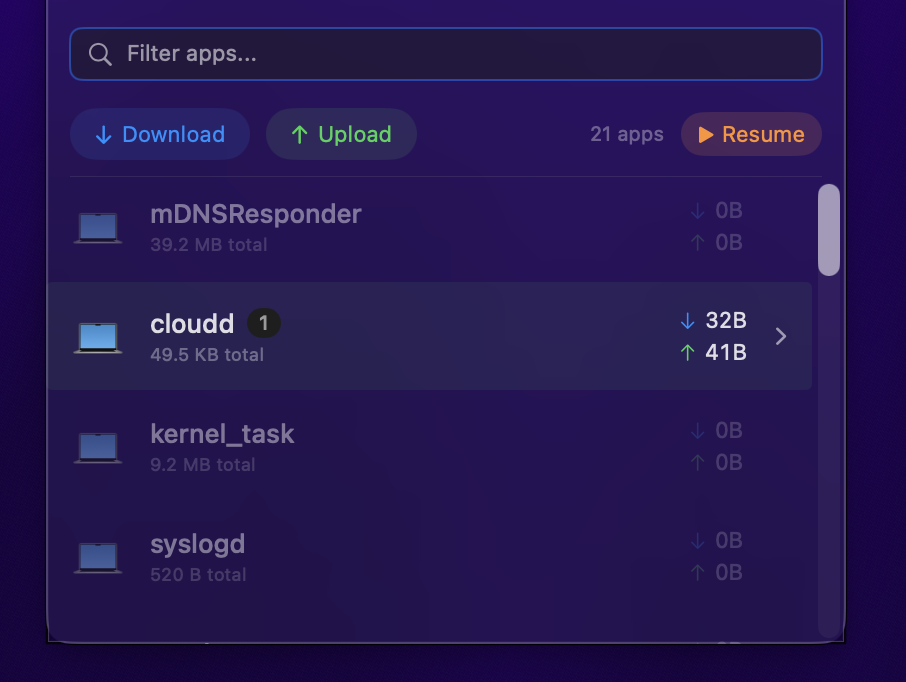
A2 Per-App Breakdown See exactly which apps are using your network and how much. All
B1 Connection Details Remote IPs, ports, protocols, and reverse DNS hostnames for every connection. DNS
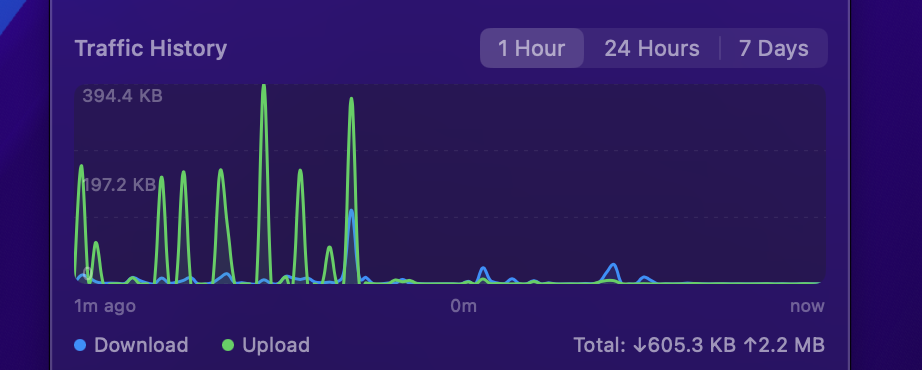
B2 Traffic Graphs Visualize network usage over 1 hour, 24 hours, or 7 days with dynamic time labels. 7d
C1 Direction Filter Toggle to focus on download-only or upload-only traffic. ↓↑
C2 Search & Freeze Find apps instantly with live search, freeze the list while inspecting rapidly changing entries.
C3 Pin Mode Keep the detail window visible while you work. Appears in Cmd+Tab when pinned. 📌

The App
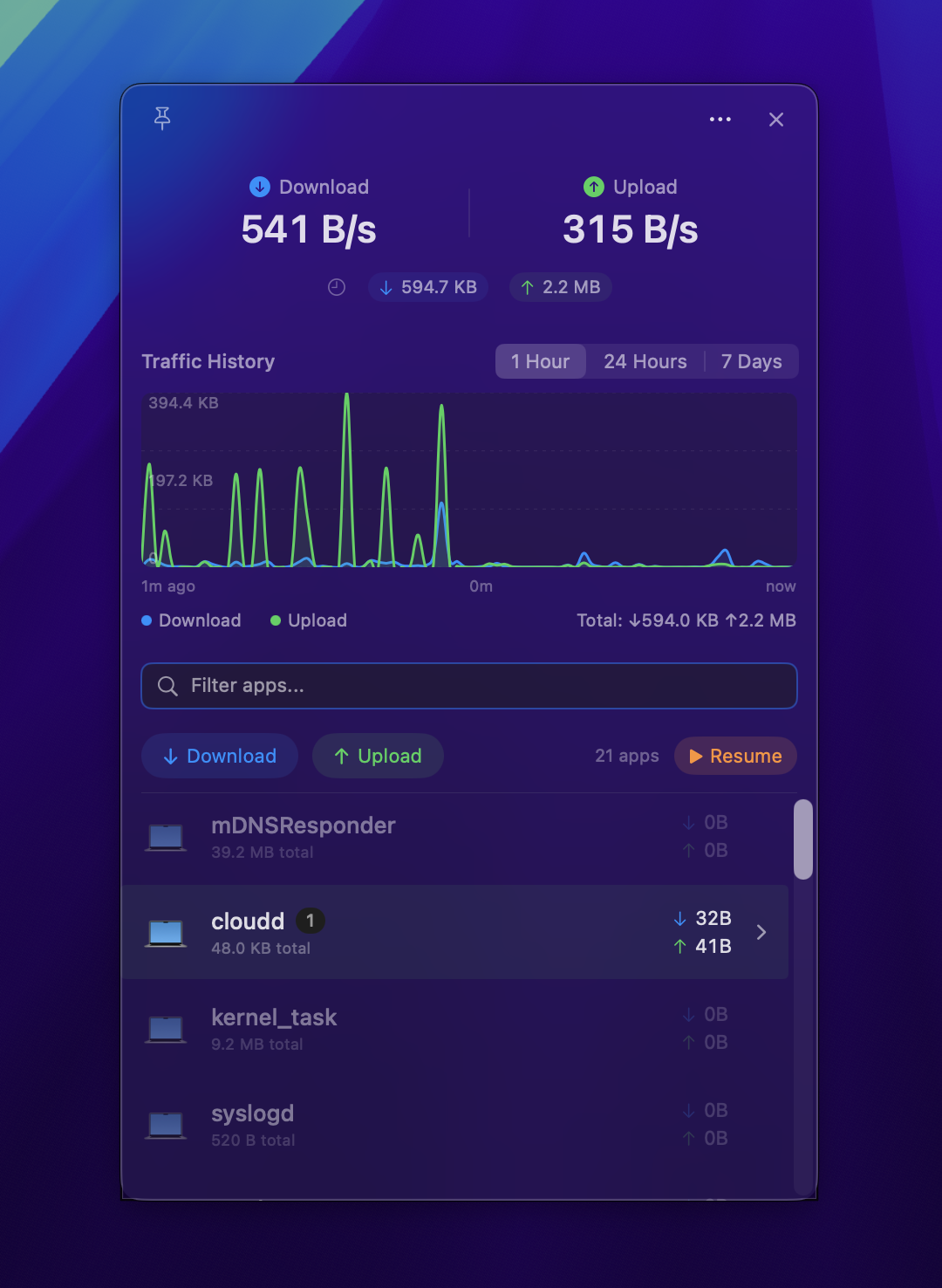
Spook app panel showing speed stats, traffic history, and per-app list Overview panel
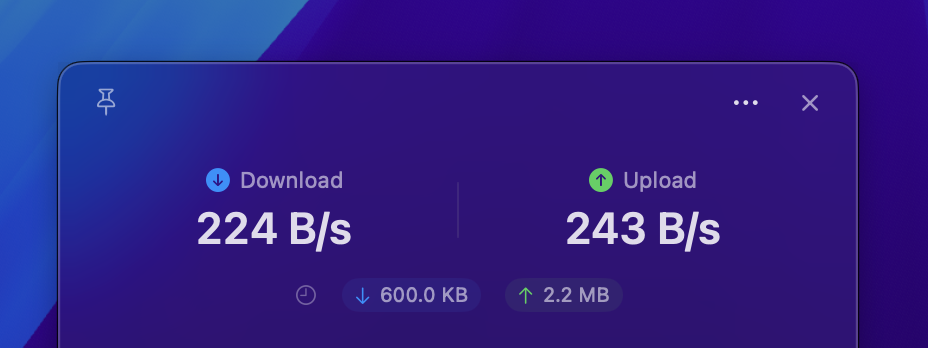
Speed overview showing download and upload rates Speed readout
Per-app traffic breakdown list App breakdown
Traffic history graph Traffic history

How It Works
1

Build

Clone the repo and run swift build. One command to bundle the .app with ./deploy.sh.

2

Launch

Spook lives in your menu bar. Click to open the detail panel. Right-click for settings.

3

Monitor

Watch per-app traffic in real-time. Expand any app to see connection details and DNS hostnames.


Privacy

No Root

No elevated privileges required.

Local Data

All data stays on your Mac in SQLite.

No Telemetry

Zero analytics. Zero tracking.

Zero Deps

No external dependencies.


Install

$ git clone https://github.com/qaid/spook.git $ cd spook && swift build $ ./deploy.sh

Requirements

  • PlatformmacOS 14+ (Sonoma)
  • LanguageSwift 5.9
  • DependenciesNone
  • DataLocal SQLite