macOS Voice Dictation — Open Source

🙌🏾 Look Ma,
No Hands

Speak anywhere on your Mac. Whisper transcribes locally in under a second. No cloud. No accounts. Your voice stays yours.


Features
Voice Dictation Press your hotkey, speak, and formatted text appears at your cursor in any app. ~1 second with WhisperKit on Apple Silicon. ~1s
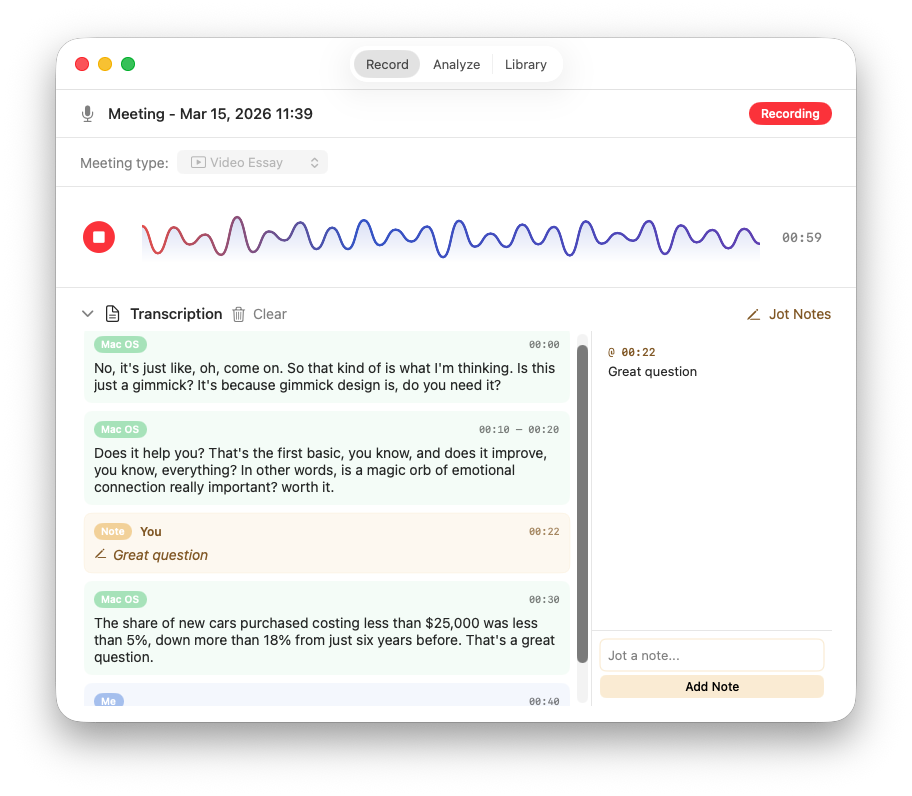
Meeting Capture Record system audio from Zoom, Meet, or Teams. Continuous real-time transcription with live display. Live
AI Meeting Notes Transform raw transcripts into structured notes with decisions, action items, and summaries. Ollama runs locally. Local
Private by Design Zero cloud processing. Zero telemetry. Zero accounts. Works fully offline after initial model download. 0 req
Custom Vocabulary Teach the app your terminology. Add custom word replacements so domain-specific jargon transcribes correctly every time. Smart
Meeting Types Choose from seven tailored analysis modes — Standup, 1:1, Customer Call, and more — or write your own custom prompt. 7 modes
Audio Import Drop in a recording and get a transcript. Supports WAV, MP3, M4A, and AIFF with progress tracking. Files
Flexible Hotkeys Double-tap Right Option is the default. Configure any key combo or double-tap Fn. Toggle dictation on and off with Cmd+Shift+D. Custom

The App
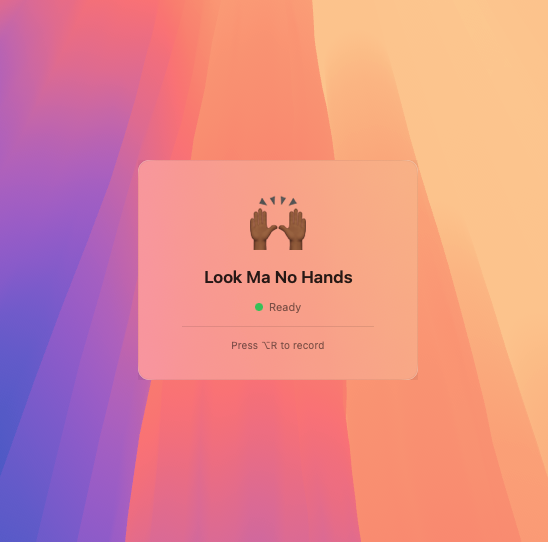
Look Ma No Hands menu bar — ready to record Menu bar status — ready to record
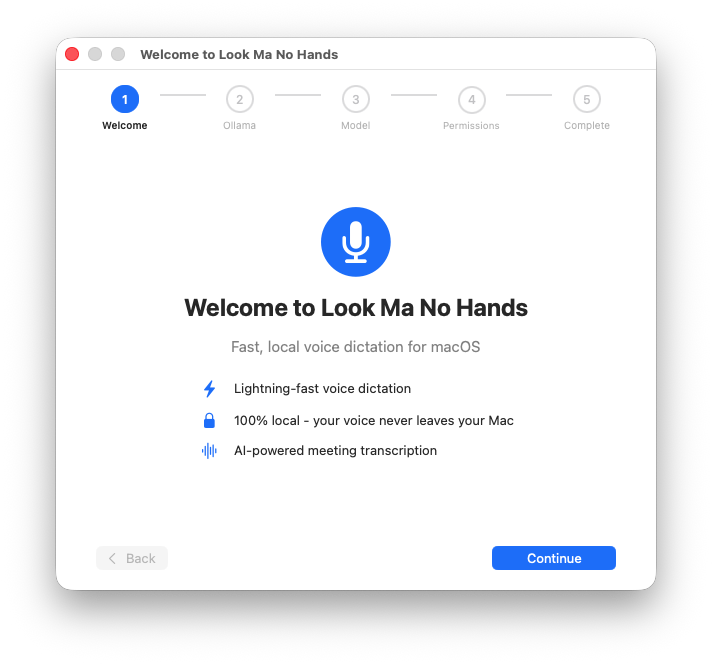
Look Ma No Hands onboarding welcome screen Guided onboarding
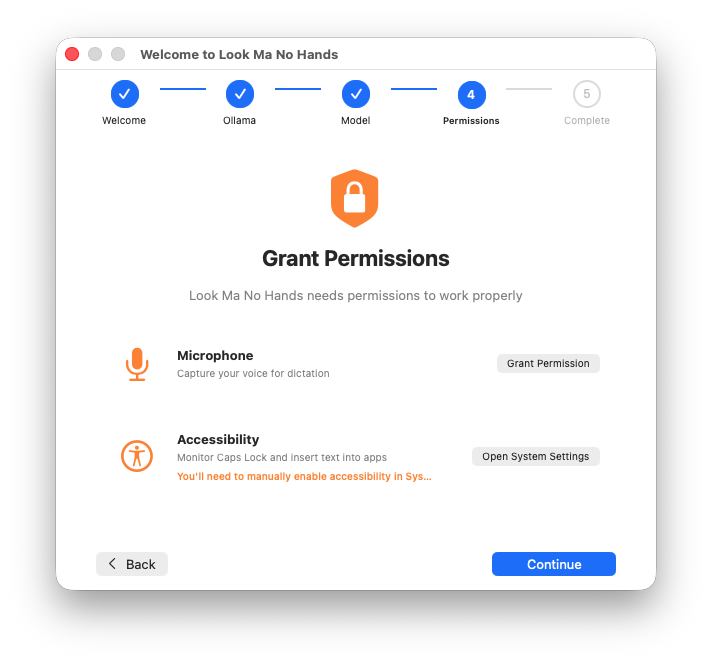
Look Ma No Hands permissions setup Permission setup
Look Ma No Hands meeting recording with live transcription Meeting recording & transcription

How It Works
1

Install

One Homebrew command, or download the signed and notarized app from GitHub Releases.

2

Double-tap Right Option

Or set any custom hotkey. A floating indicator appears to confirm you're recording.

3

Speak

Talk naturally. Press the key again. Formatted text is inserted where your cursor sits.


Install

$ brew tap qaid/lmnh $ brew install --cask look-ma-no-hands

Or download the latest .dmg from GitHub Releases

Requirements

  • PlatformmacOS 14+ (Sonoma)
  • ArchitectureApple Silicon recommended
  • Disk Space~200 MB for Whisper model
  • AI NotesOllama (optional)